
77 lines
3.0 KiB
Markdown
77 lines
3.0 KiB
Markdown
# Introduction
|
|
This project describes a Raspberry Pi - time-lapse setup for the ARES beam line building project at DESY.
|
|
|
|
**Installation**:<br>
|
|
`git clone http://inetsrv.no-ip.org:3000/mwio/time-lapse_ARES_DESY.git`
|
|
|
|
|
|
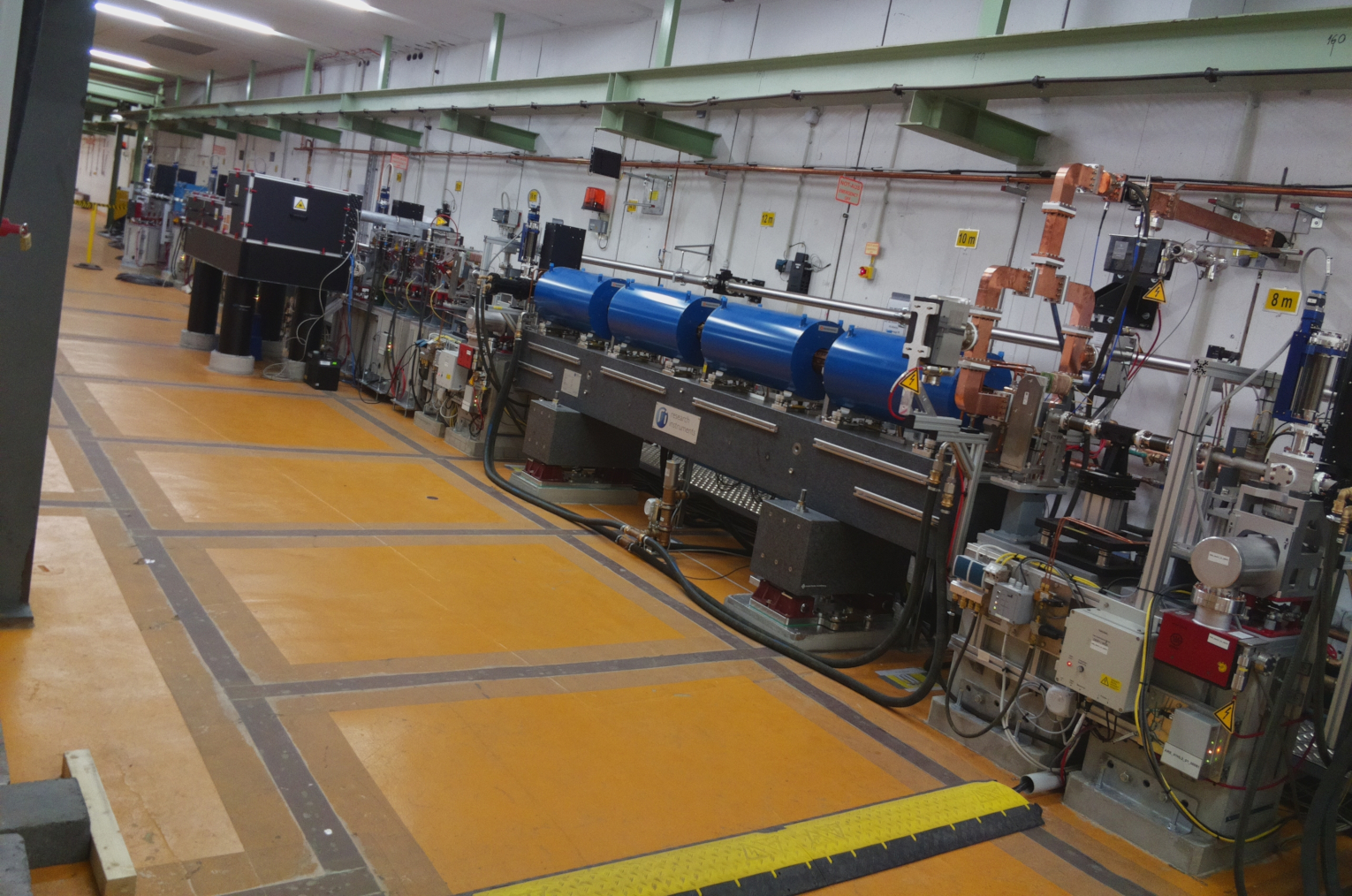
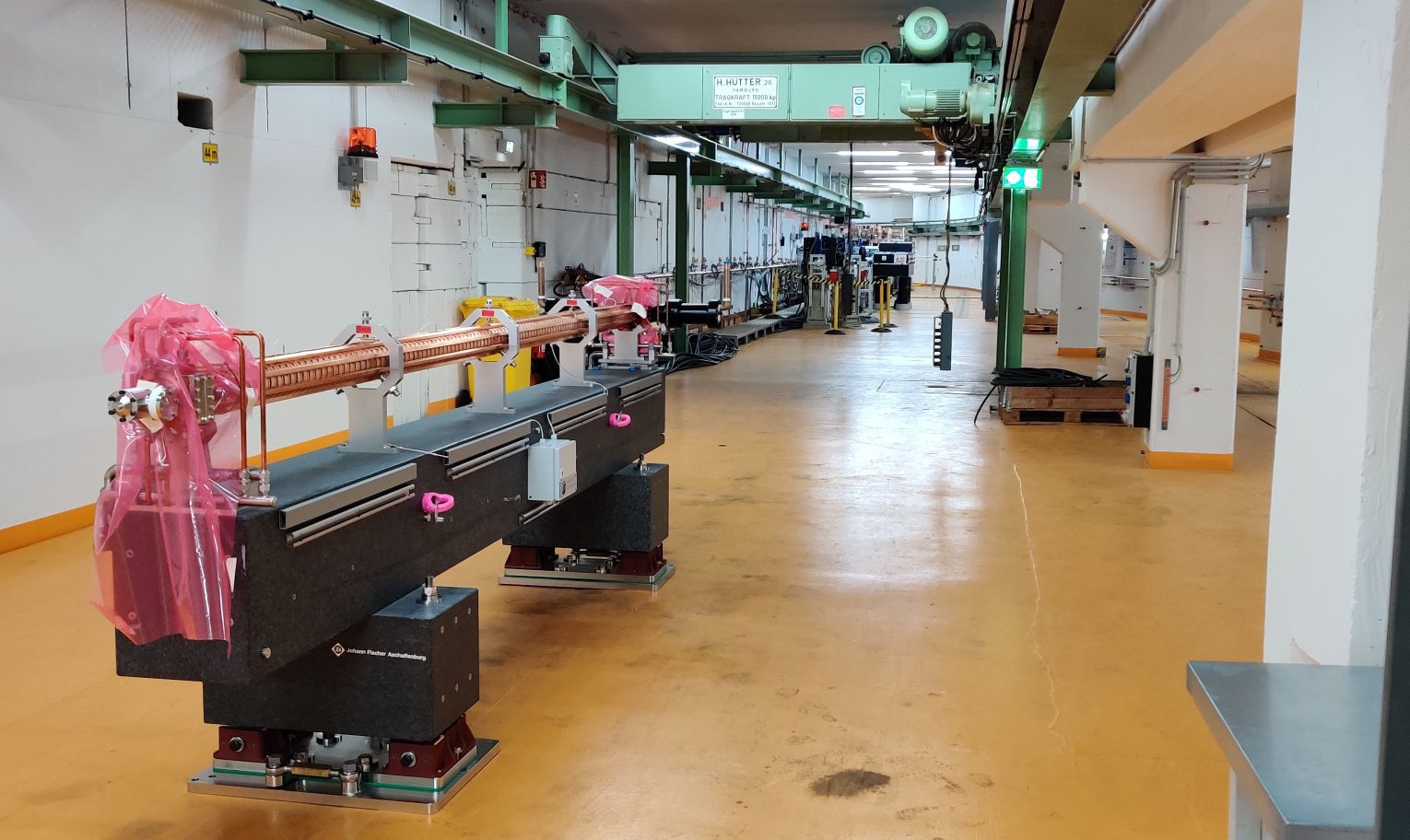
# ARES project setup status
|
|
**Part I**:<br>
|
|
|
|
|
|
**Part II**:<br>
|
|
|
|
|
|
|
|
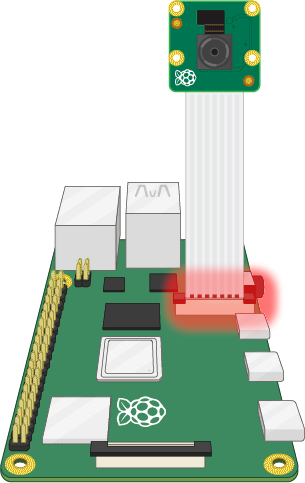
**Raspberry Pi Setup**:<br>
|
|
- Raspberry Pi ... Model
|
|
- Raspberry Pi Gehäuse
|
|
- Camera Module (standard version)
|
|
- 16GB Samsung Pro microSDHC I Karte
|
|
|
|
__Installation des Betriebsystems auf dem Raspberry Pi__:<br>
|
|
<a href="https://www.raspberrypi.org/documentation/installation/installing-images/README.md" target="_blank">Introduction: Installing operating system images on the Raspberry Pi</a>
|
|
|
|
|
|
|
|
|
|
|
|
# Playing audio Message - shell script
|
|
For this job we will use **aplay**. aplay is a command-line soundfile recorder for the ALSA soundcard driver. It supports several file formats and multiple soundcards with multiple devices. Make a new file called "audio_message.sh". It will contain the following lines:
|
|
```
|
|
aplay /home/pi/Documents/ARES_TimeLapse/ARES_FotoText.wav
|
|
```
|
|
|
|
# Taking a Photo - shell script
|
|
For this job we will use **raspistill**. raspistill is a command line tool for capturing still photographs with the camera module. Make a new file called "take_photo.sh". It will contain the following lines:
|
|
|
|
```
|
|
#!/bin/sh
|
|
raspistill -o /home/pi/Documents/ARES_TimeLapse/pic-`date +"%Y.%m.%d-%H:%M:%S"`.jpg -l /home/pi/Documents/Beamline-timeruffer/latest.jpg
|
|
```
|
|
|
|
# Cronjob
|
|
<a href="https://www.stetic.com/developer/cronjob-linux-tutorial-und-crontab-syntax/ " target="_blank">Introduction: Crontab Syntax und Tutorial in Linux</a>
|
|
|
|
**Crontab Syntax**:<br>
|
|
◦ ◦ ◦ ◦ ◦ auszuführender Befehl<br>
|
|
┬ ┬ ┬ ┬ ┬<br>
|
|
│ │ │ │ │<br>
|
|
│ │ │ │ └──── Wochentag (0-7, Sonntag ist 0 oder 7)<br>
|
|
│ │ │ └────── Monat (1-12)<br>
|
|
│ │ └──────── Tag (1-31)<br>
|
|
│ └────────── Stunde (0-23)<br>
|
|
└──────────── Minute (0-59)<br>
|
|
|
|
**1) Used code for the ARES-time-lapse-crontab - Playing audio Message**:<br>
|
|
`59 14 * * * /time-lapse_ARES_DESY/src/audio_message.sh` <br>
|
|
Jeden Tag um 14:59 Uhr wird das Audiofile "audio_message.sh" abgespielt.
|
|
|
|
**2) Used code for the ARES-time-lapse-crontab - Taking a photo**:<br>
|
|
`* 15 * * * /time-lapse_ARES_DESY/src/take_photo.sh` <br>
|
|
Jeden Tag um 15:00 Uhr, wird die Datei "take_photo.sh" abgespielt, um ein Foto zu schießen.
|
|
|
|
|
|
**List active Crontab(s)** <br>
|
|
`~ crontab -l`
|
|
|
|
**Remove active Crontab(s)** <br>
|
|
`~ crontab -r`
|
|
|
|
|
|
# ToDo's
|
|
- [x] Add the right Cronjob file and description.
|
|
- [ ] Add new photo which shows the camera setup in the tunnel - Phase II.
|
|
<!--- - [ ] {{{color(red, Warning example.)}}} ) -->
|
|
<!--- - [-] Half-checked. ) -->
|